|6 min read
Claude Code ينسخ موقع كامل: Plan Mode وChrome وتعديل كل section
claude-codewebsiteplan-modechromeguide
برومبت واحد + Plan Mode — وClaude Code يبني نسخة موقع كاملة، وبعدين تعدّلوا أي section بالتحديد.
الفيديو يوضح workflow: Chrome connector، Plan Mode، plugin front-end design، ثم تعديلات مثل قسم FAQ.
متى بتحتاجوا هالطريقة؟
- •بدكم نسخة قابلة للتعديل من موقع مرجعي (تصميمكم أو عميل)
- •بدكم plan قبل ما يكتب كود على طول
- •بدكم تحسين UI مع front-end design plugin
- •بدكم تعديل section واحد بدون كسر باقي الصفحة
قبل ما تبدأوا
- •Claude Code + Chrome connector
- •Plan Mode متاح
- •(موصى به) front-end design plugin مفعّل
- •رابط الموقع المرجعي مفتوح في Chrome
الخطوة 1: فعّلوا Chrome connector

Enable the Chrome connector so you can see the reference site I have open in the browser.
الخطوة 2: شغّلوا Plan Mode وابعثوا برومبت النسخ
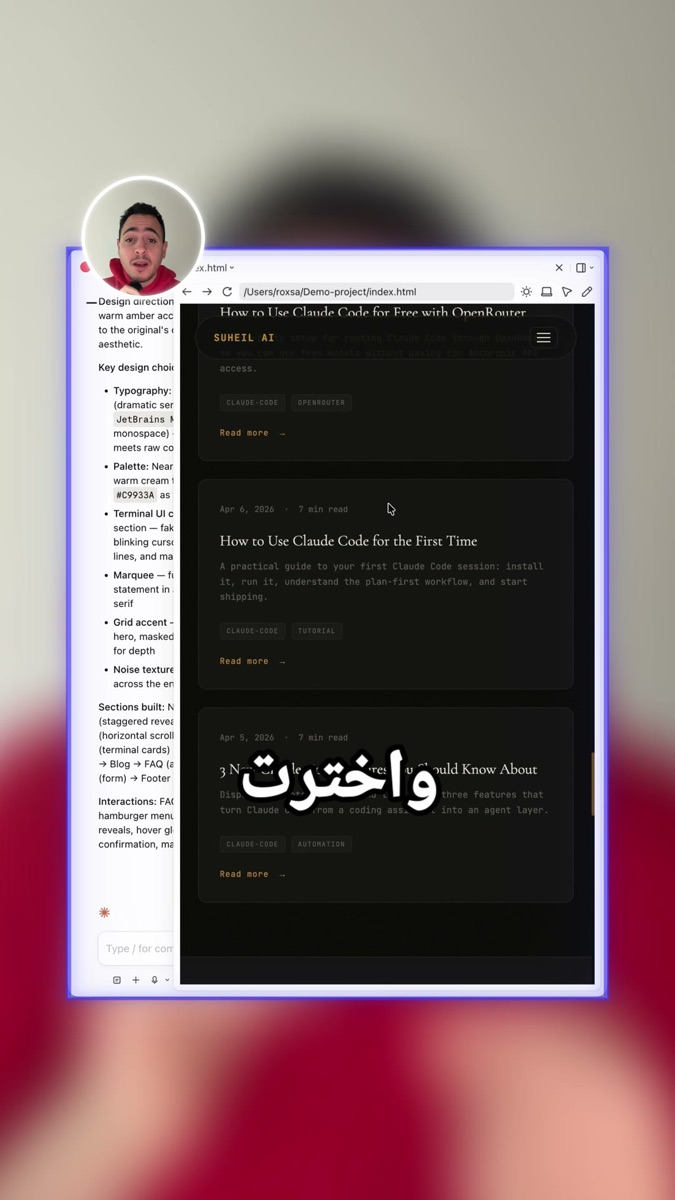
Enter plan mode.
Clone this website into a local project with clean structure and responsive layout.
Use the front-end design plugin if available for better UI fidelity.
Ask me clarifying questions before coding.
الخطوة 3: جاوبوا الأسئلة ووافقوا على الخطة
Claude يسأل تفاصيل قبل التنفيذ. اقرأوا الخطة ثم approve.
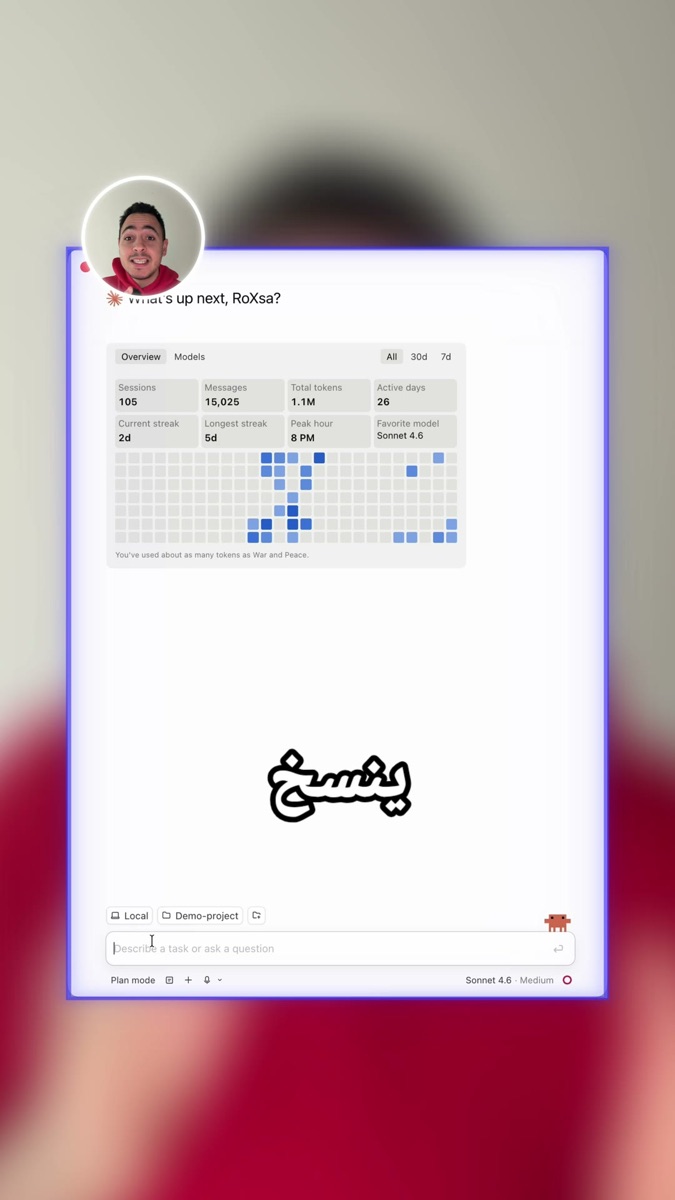
I approve this plan. Execute step by step and tell me when the local site is runnable.
الخطوة 4: شغّلوا الموقع وعدّلوا sections محددة
بعد البناء، حدّدوا section (مثلاً FAQ) واطلبوا تعديل بصري.
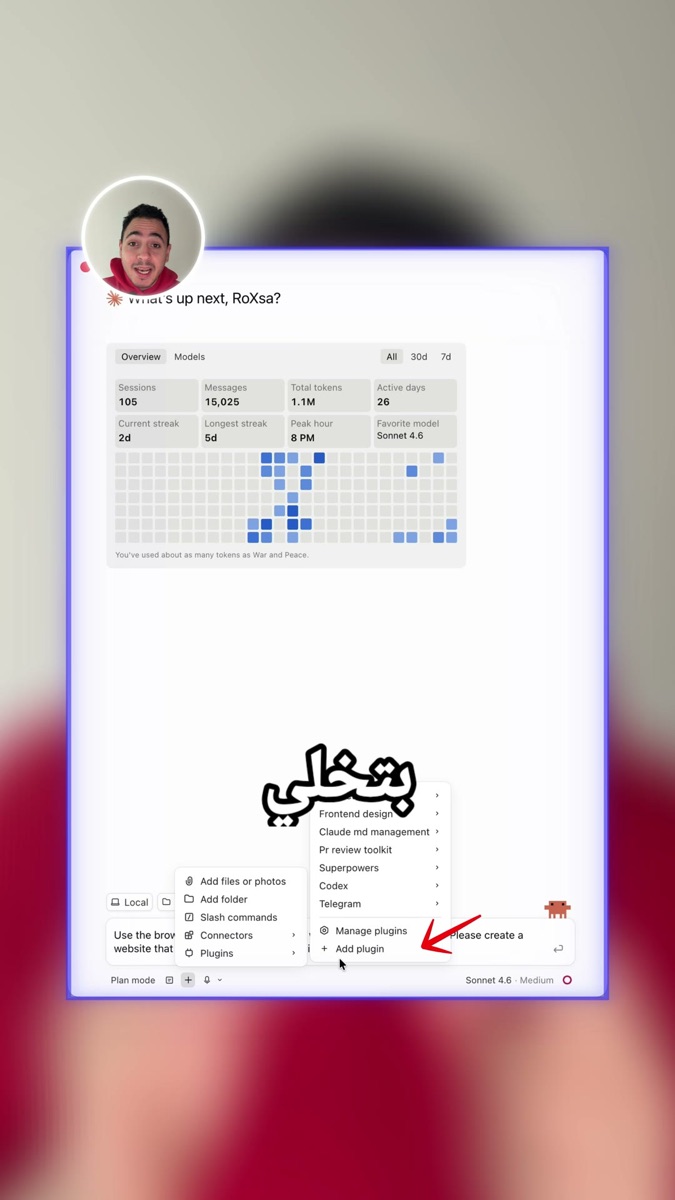
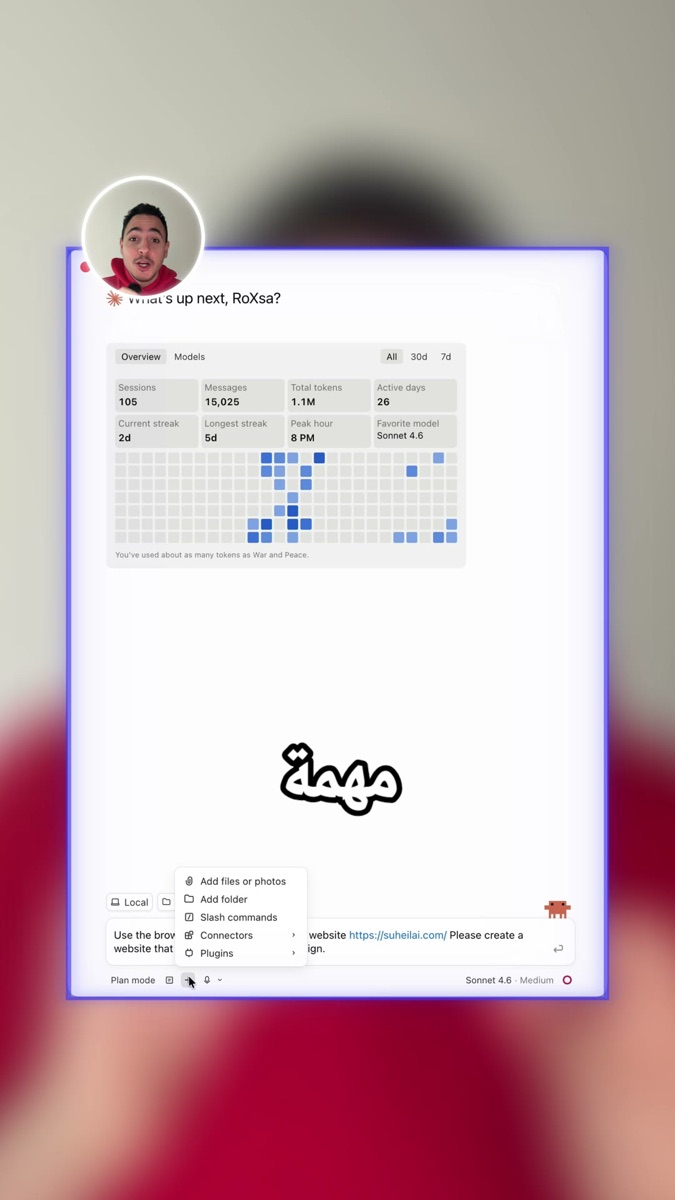
Select only the FAQ section.
Redesign the FAQ banner to be cleaner and more readable on mobile.
Do not change unrelated sections.
النتيجة
Plan Mode + برومبت واضح + تعديلات موجهة = موقع كامل تقدروا تكملوا عليه. مش ضغطة سحرية — بس أسرع بكثير من الصفر.
شاهد الفيديو
احفظوا الدليل قبل أي redesign. ابدأوا بموقع بسيط كتجربة أولى.
إذا بدكم نطبّق الفكرة على شغلكم ونطلع بنظام عملي تقدروا تستخدموه، احجز جلسة فردية معي.
احجز جلسة 1:1